Once you're tracking more than a handful of RFPs, a spreadsheet stops being a tracking tool and starts being a liability. RFP Planner's pipeline is built specifically for the way government contracting opportunities actually move — through stages, against deadlines, as a team.
A Visual Pipeline That Matches How Opportunities Actually Move
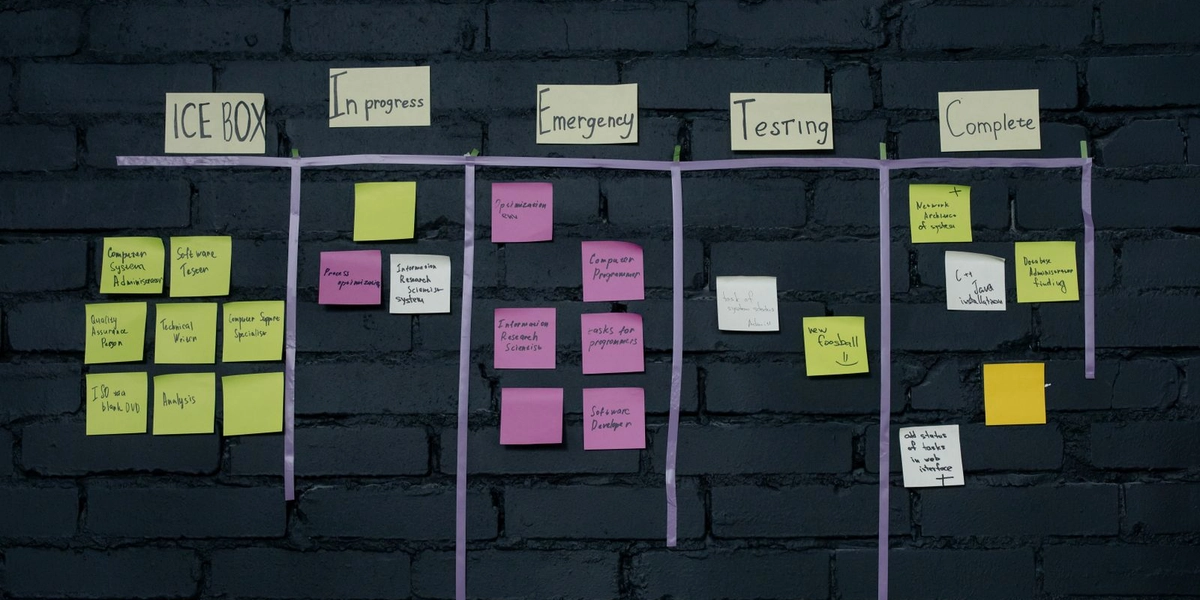
Every organization gets a Kanban board with default stages — Added, In Progress, In Review, Submitted, and Discarded — that you can reorder or rename to match your own process. Drag an RFP from one stage to the next as it moves through your team, and the board updates instantly for everyone working from it.
Prefer rows to cards? The same pipeline is available as a List view, with the same data laid out for faster scanning across a larger number of opportunities at once.
Deadline-Aware From the Start
Every RFP in the pipeline carries a deadline-aware badge — overdue, due soon, or active — so priority is visible at a glance without opening each one individually. Once a deadline passes, the RFP archives itself automatically, unless it's already marked Submitted. Nothing lingers in an active view past the point where it matters.
Bulk Actions for When You're Managing Volume
Multi-select across the List view and, in one action, move a group of RFPs to a new stage, archive them, delete them, or apply an automated workflow to all of them at once. For a team pursuing a real volume of opportunities, this is the difference between spending your afternoon on data entry and spending it on the actual proposal.
Filter Down to What Matters Right Now
Rich filtering by keyword, NAICS code, Priority, and Level of Effort — with results paginated and shareable via URL — means you can build a specific view, like every high-priority, large-effort RFP due this month, and send the link directly to a teammate instead of re-explaining the filter criteria over chat.
Everything in One Place
Attach files or external links, such as a Google Drive folder or a shared doc, to any RFP, and lean on the dashboard's stat cards — Total, Active, Submitted, Near Deadline, Overdue, Archived — for a real-time read on where your whole pipeline stands, pulled live from your actual data rather than a snapshot someone updated last week.
None of this requires a dedicated operations hire to maintain. Because stages, filters, and bulk actions are all self-service, a two- or three-person business development team can run a pipeline that would otherwise need a full-time coordinator to keep current in a spreadsheet.
The pipeline doesn't exist in isolation, either. New RFPs typically arrive through Opportunity Match's automatic sync from SAM.gov and Texas ESBD, and land directly in whichever stage your default workflow places them, often with Level of Effort and Priority already calculated before a person opens the record. By the time your team is looking at the board, the busywork of triage has usually already happened, and what's left is the actual decision: pursue it, assign it, or discard it.
If your team is still tracking opportunities from SAM.gov in a spreadsheet, the pipeline alone is usually the first thing that changes how the whole process feels. Get started with our free RFP template, or get in touch to see the pipeline in action.